About template Status messages
Template status messages indicate whether a device’s configuration aligns with the template. These statuses help you quickly understand whether your devices are in compliance with the template configuration that controls them, and whether or not you need to take action.
|
Icon |
Status name |
Description |
|---|---|---|
|
|
Compliant |
The device matches the configuration defined in the template. This indicates:
What to do:
|
|
|
Non compliant |
The device does not match the template configuration. This can happen when:
What to do:
|
|
|
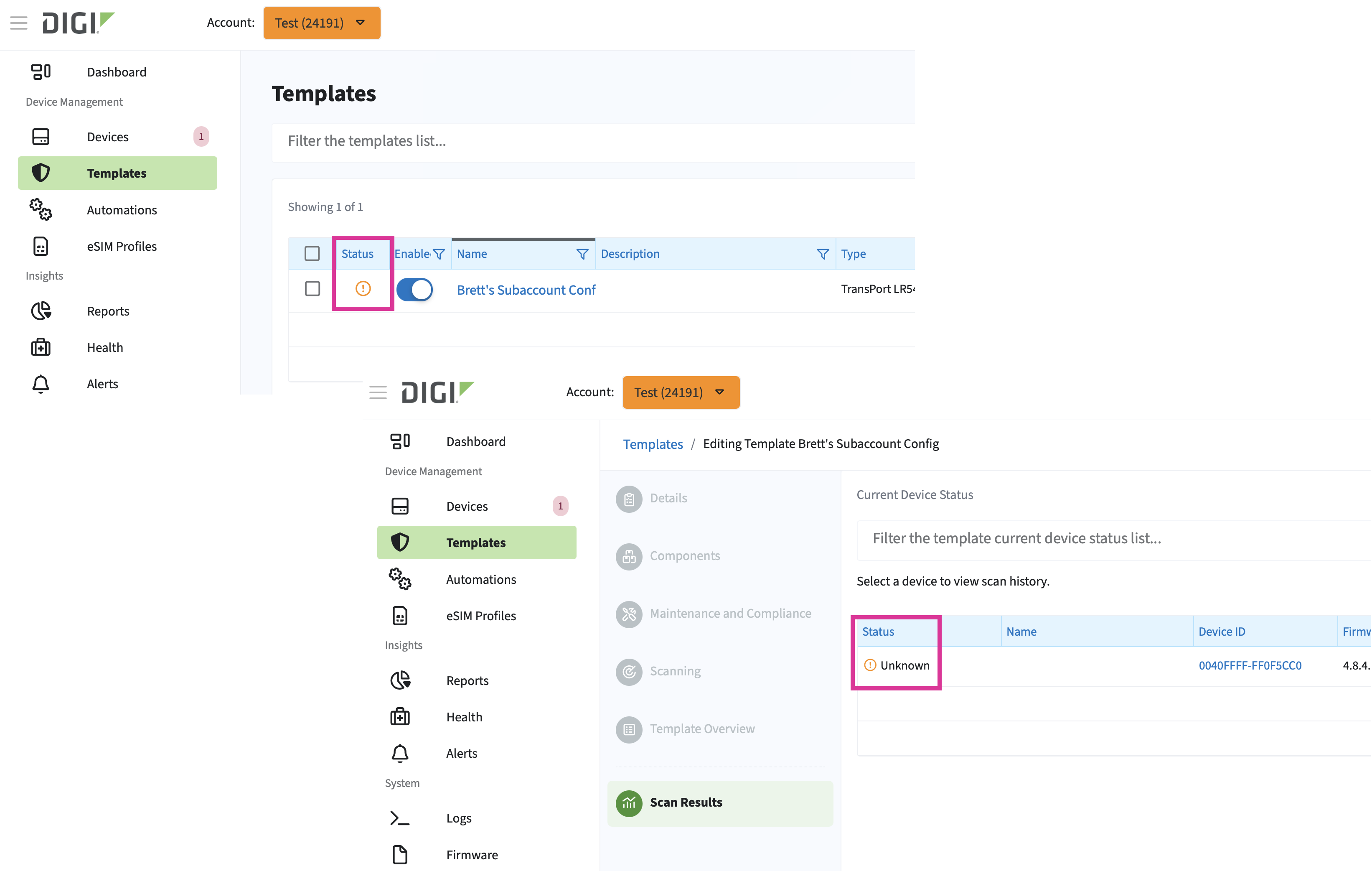
Unknown |
The device has not yet been evaluated against the template and so whether or not it complies with the template is not known. This can occur when:
What to do:
|
You can see these icons in the Status column of the table on Templates page or in the Status column of the table on the Scan Results tab in the Templates wizard.