View the managed and device-specific settings in a template
Tip If your template is configured to only manage firmware updates or files and not the device configuration, then there would be no managed or device-specific settings to view. If you want the template to manage the device configuration, you can do so by modifying the settings on the Settings tab.
View the managed and device-specific settings you configured for the template.
-
Click Templates.
-
In the list, in the Name column, click the name of the template.
-
In the template wizard, click Settings.
-
Click All Device Settings or Device Specific to see a list of settings for each category.
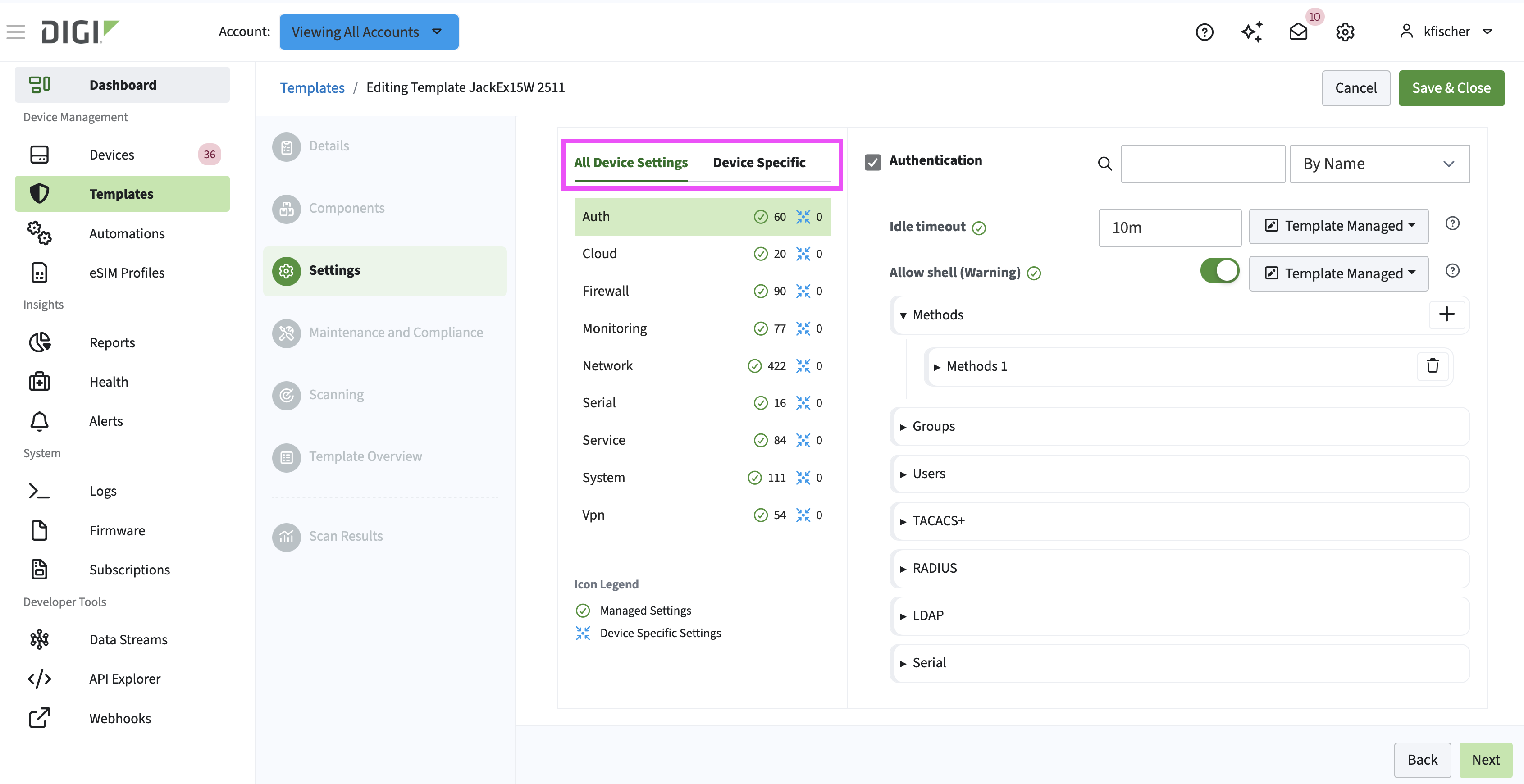
You can now view all of the device settings and see how many of each category are managed by the template or have overrides defined a CSV file.