List tab
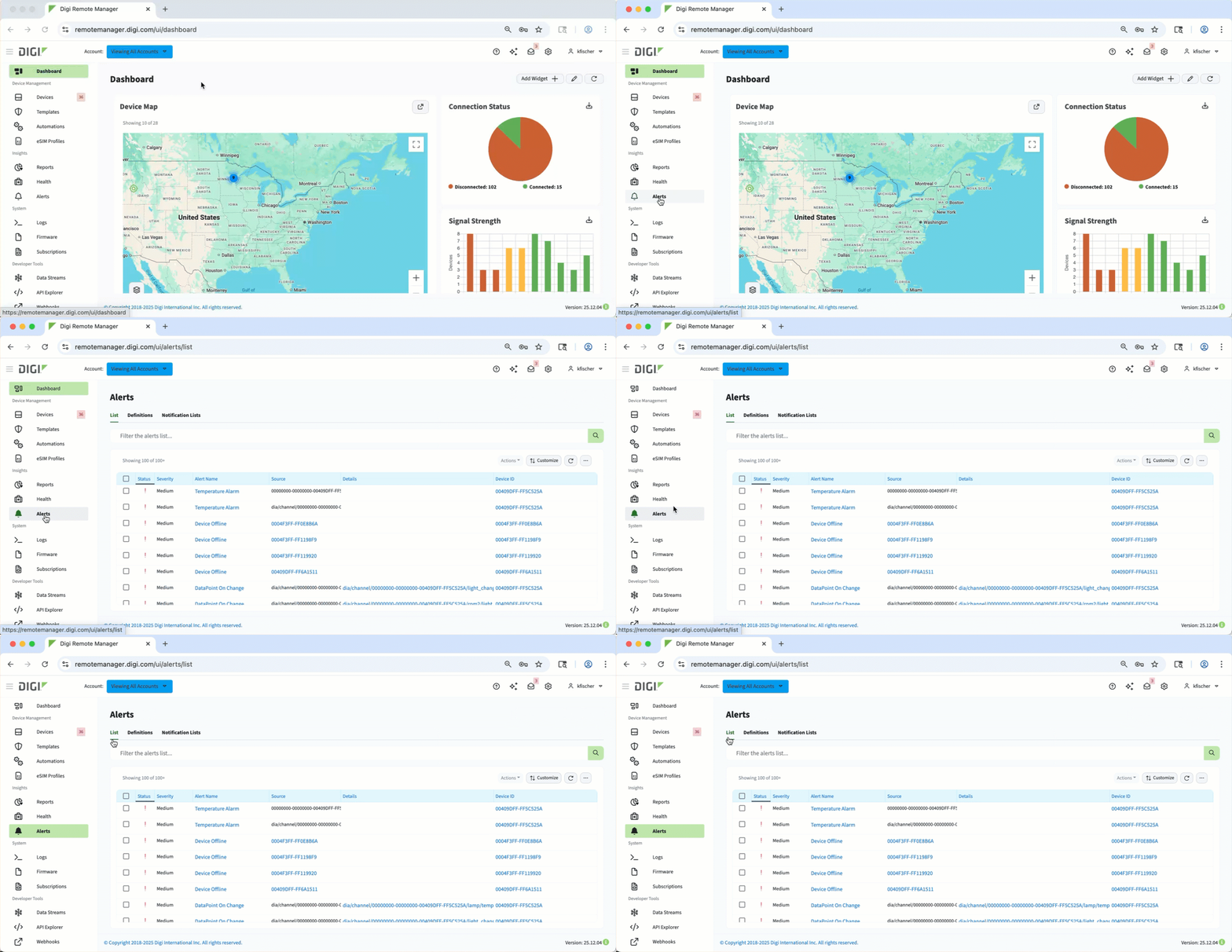 On the List tab of the Alerts page in Digi Remote Manager, you can see a list of both configured and system alerts that were triggered across devices and the Digi Remote Manager platform, which can include information about status, severity, alert name, source, details, and impacted devices and their names, enabling you to quickly identify and resolve alerts.
You can use the search bar to filter the list, or use one of the following controls:
-
Actions button - See the details for a selected alert or acknowledge or reset one or more alerts.
-
Customize button - Adjust the table display, with options to Select Columns or change Table Preferences, like layout density.
-
Refresh button - Reloads the table to show the most current data.
-
Ellipsis icon - Export the table as a CSV file.