Notification Lists tab
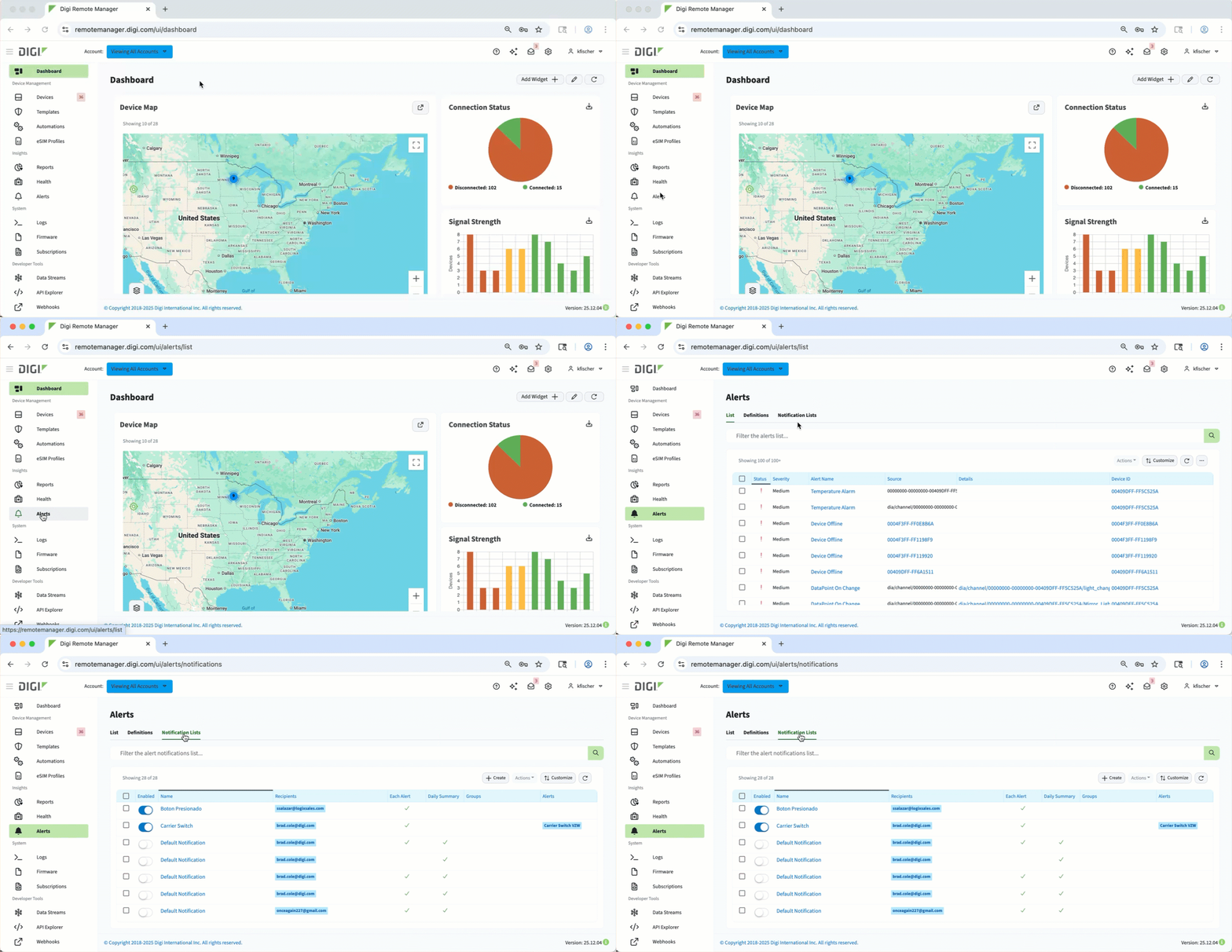 On the Notification Lists tab of the Alerts page in Digi Remote Manager, you can see a list of notifications events for both configured and system alerts. Each entry in this list represents a single notification configuration - that is, rules that specify how, when, and to whom a notification is communicated when an alert is triggered.
Think of each row as one complete “communication rule” that links alerts to the recipients who need to be notified about them.
You can use the search bar to filter the list, or use the following controls to action on a notification(s) or customize the list:
-
Create button - Create a new notification, see its details, or delete. If enabled, you can also disable a notification from this menu.
-
Actions button - Provides options for managing a selected notification(s), such as editing, disabling, or deleting.
-
Customize - Adjust the table display, with options to Select Columns or change Table Preferences, like layout density.
-
Refresh icon - Reloads the table to show the most current data.