Definitions tab
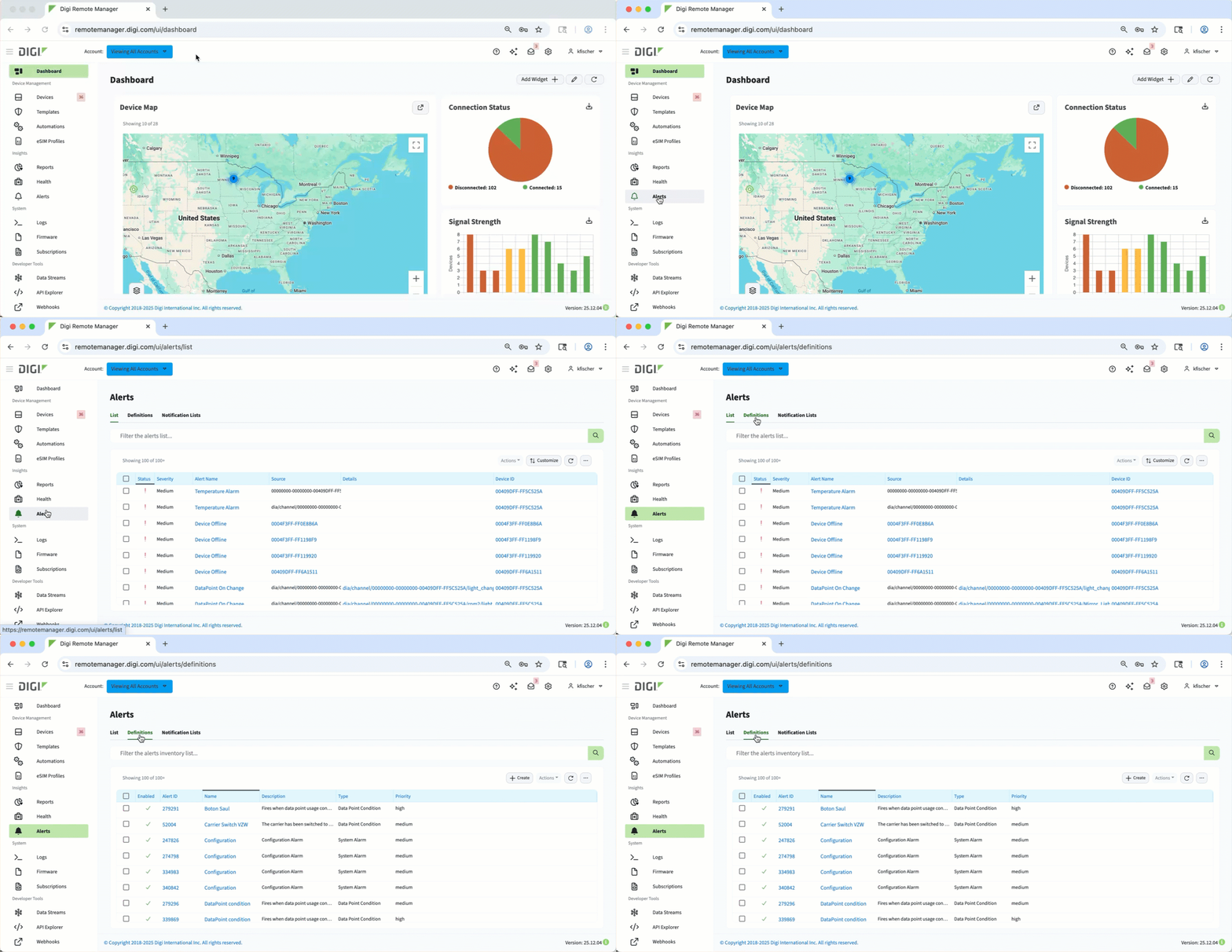 On the Definitions tab of the Alerts page in Digi Remote Manager, you can see a list of all alerts you have defined. It also displays predefined system alerts that trigger automatically for certain conditions.
For configured alerts, you can set alert priorities (High, Medium, or Low), enable or disable alerts, and restore defaults by changing the fire/reset conditions or revert to system settings - helping to keep devices compliant and operational without constant manual oversight.
You can use the search bar to filter the list, or use one of the following controls:
-
Create button - Create an alert and define its parameters.
-
Actions button - Edit or delete configured alerts, or delete system alerts.
-
Refresh icon - Reloads the table to show the most current data.
-
Ellipsis icon - Export the table as a CSV file.