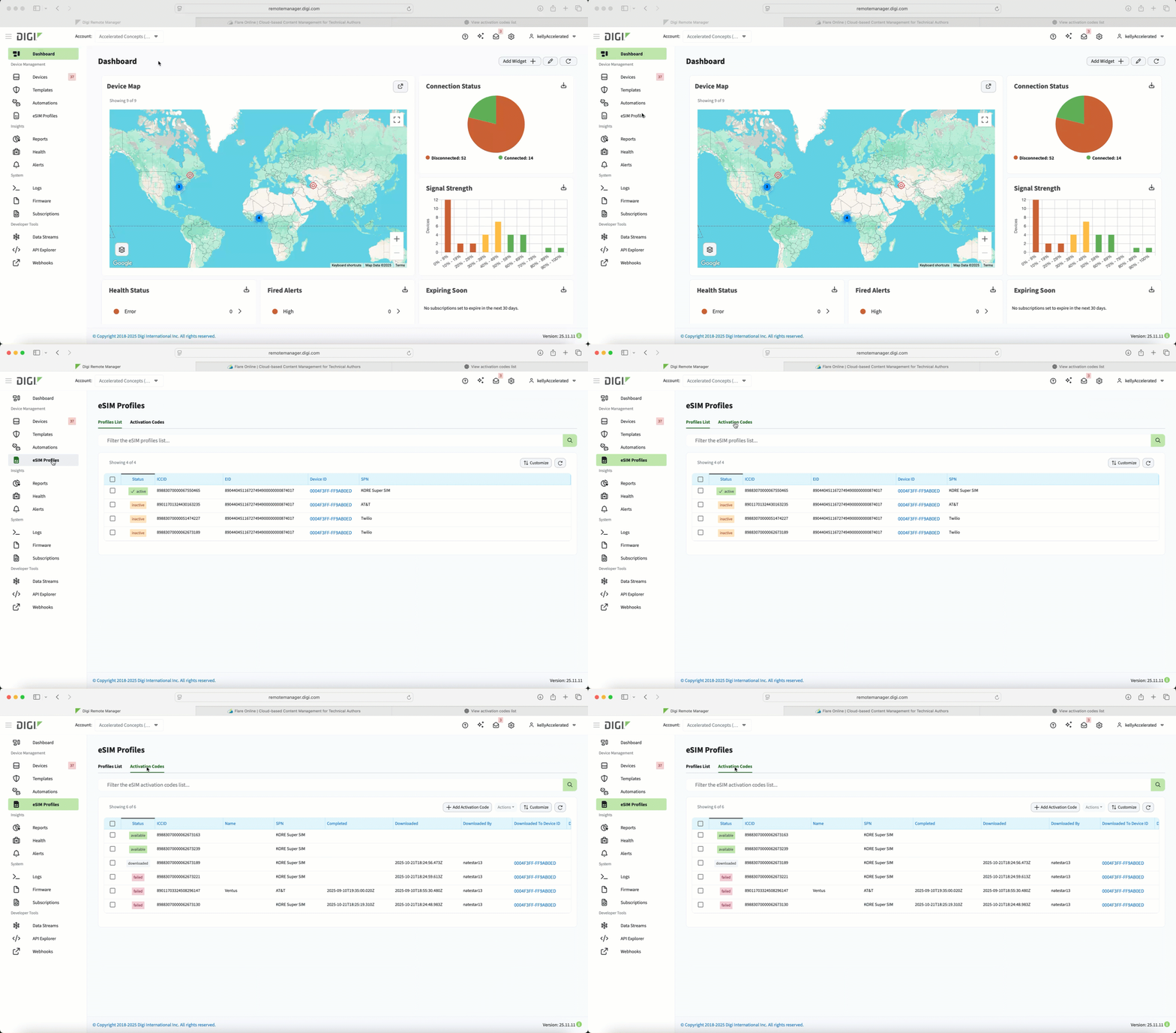
Activation Codes tab
The Activation Codes tab lists all the activation codes you have added to Digi Remote Manager so you can see your inventory, verify code readiness, and identify issues. You can also add one or more activation codes from this page.
Each activation code displays one of three status messages. These messages indicate whether the code is ready for use, has already been used, or encountered an issue.
|
Status message |
Meaning |
|---|---|
| available |
The activation code has been uploaded to DRM and has not yet been used. It is ready to be downloaded by a device. |
| downloaded |
The activation code has been uploaded and has already been used by a device to obtain a carrier profile. The device may or may not currently be using that profile, but the activation code itself cannot be used again. |
| failed |
An error occurred while processing the activation code. This status indicates that the code did not complete successfully and may require troubleshooting. One reason for this status message is that the eSIM was out of memory and couldn't be added to a new profile. Caution Once an activation code has a failed status message, it cannot be used again and can be deleted. |