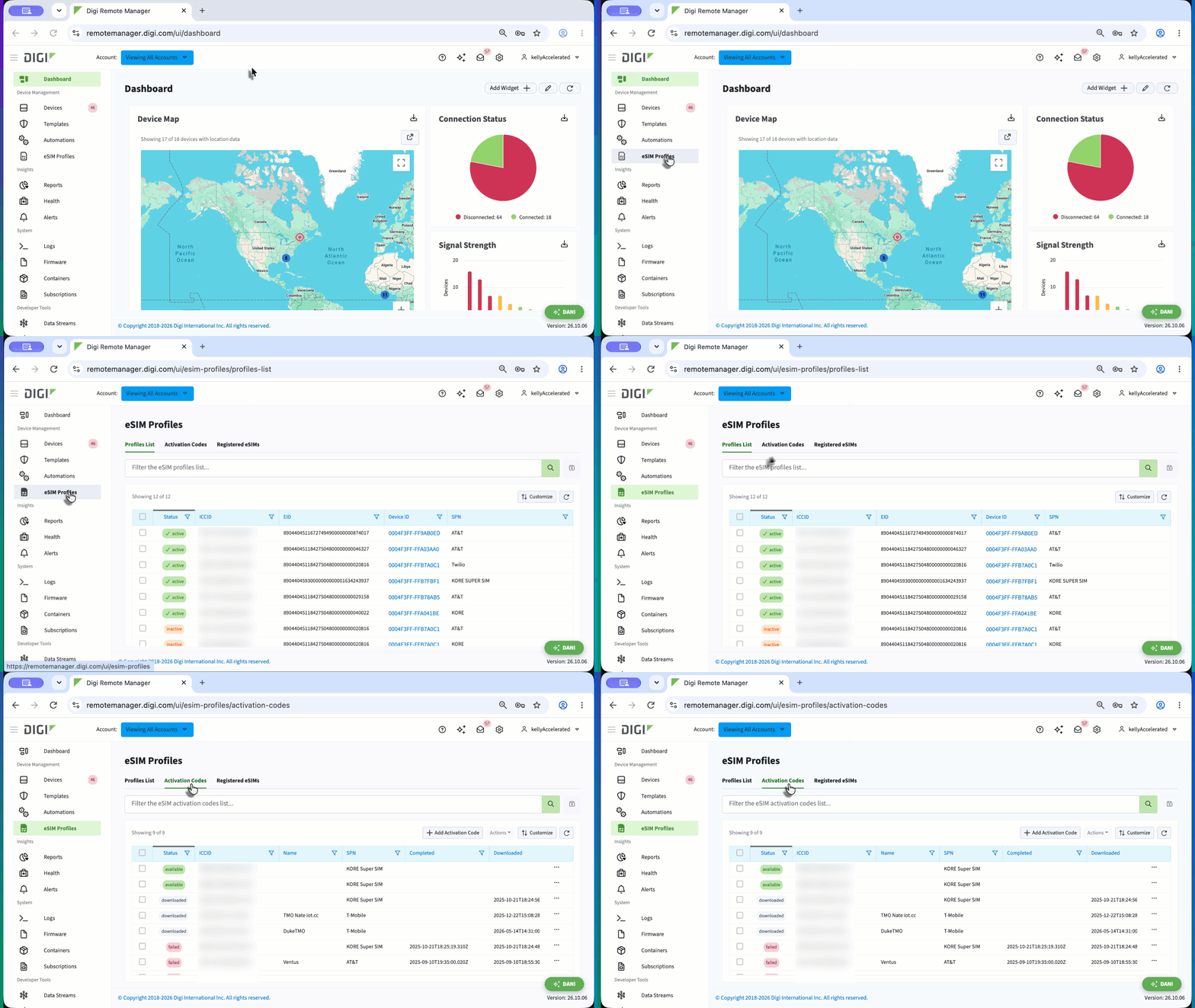
Activation Codes tab
The Activation Codes tab has a table that lists all the activation codes you have added to Digi Remote Manager so you can see your inventory, verify code readiness, and identify issues. You can also add one or more activation codes to Digi Remote Manager from this page. Each row represents a single activation code and shows its status, the profile it corresponds to, and download details when the code has been used.
You can filter the table by keyword and save queries by clicking the Save icon to the right of the Search button. Columns can be customized and table preferences set by clicking Customize.
 Click this dropdown to see a description of the table columns.
|
Column name |
Description |
|---|---|
|
Status |
Displays one of three status messages. These messages indicate whether the code is ready for use, has already been used, or encountered an issue.
|
|
ICCID |
Displays the unique identifier of the profile associated with the activation code. After the activation code is downloaded, the resulting profile appears on the Profiles List tab with the same ICCID. |
|
Name |
Displays the name assigned to the activation code. |
|
SPN |
Displays the service provider network associated with the profile. |
|
Completed |
Displays the date and time the eSIM operation that used the activation code finished, whether the operation succeeded or failed. |
|
Downloaded |
Displays the date and time the profile was downloaded to a device. |
|
Downloaded By |
Displays the user who initiated the download. |
|
Downloaded To Device ID |
Displays the unique identifier of the device the profile was downloaded to. |
|
Downloaded To EID |
Displays the unique identifier of the eSIM the profile was actually downloaded to. This may differ from the value in the EID column. |
|
EID |
Displays the EID the activation code is restricted or reserved to, if any. Some carriers require you to specify an EID when purchasing an activation code, which restricts the code to that eSIM. Tip This column is not displayed by default and can be added using the Customize button. |