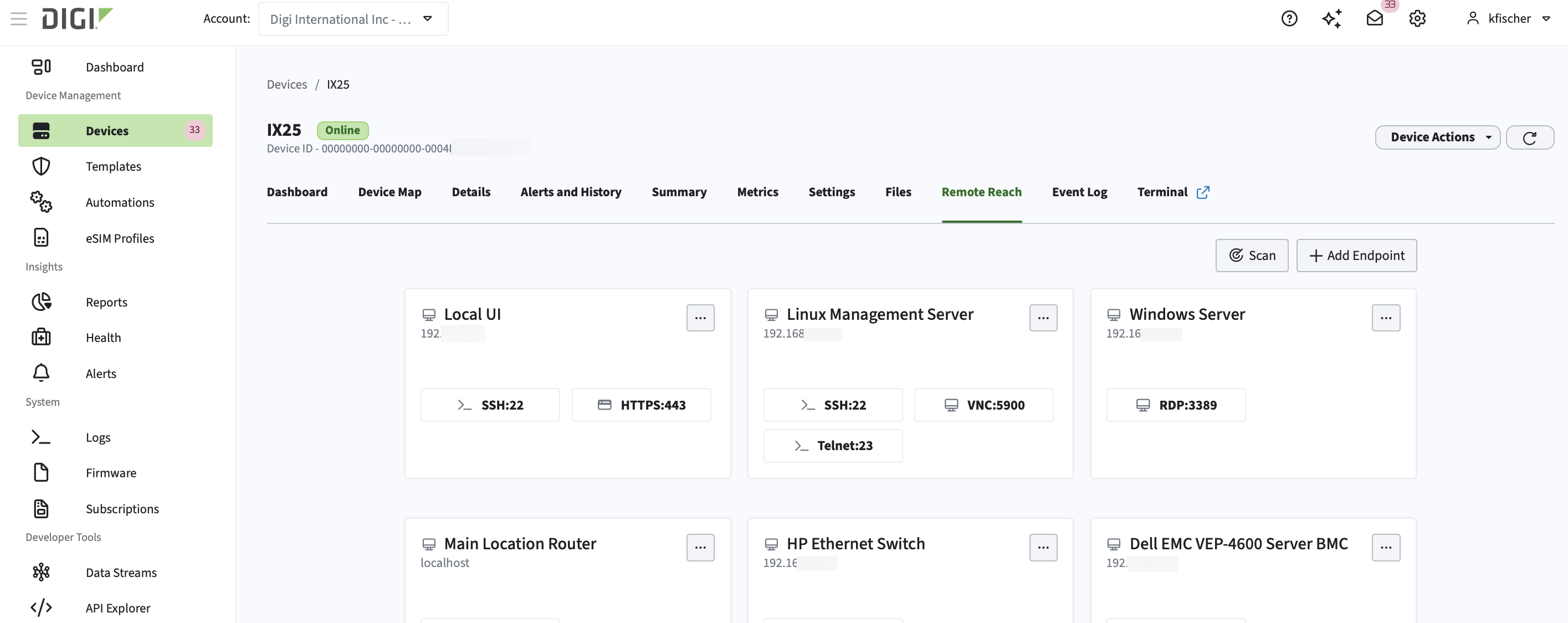
Discover, configure, and add devices to Remote Reach
Discover reachable devices on the same network as your Remote Reach device's network, configure the services you want to access remotely, and add the devices as Remote Reach endpoints for secure browser-based access.
Scan the network to discover reachable devices
To scan for reachable devices on the same network as your Digi device:
-
In the left navigation menu, click Devices.
-
In the devices list, click the name of the Digi device you want to work with to open its dashboard.
-
Click the Remote Reach tab.
-
Click Scan.
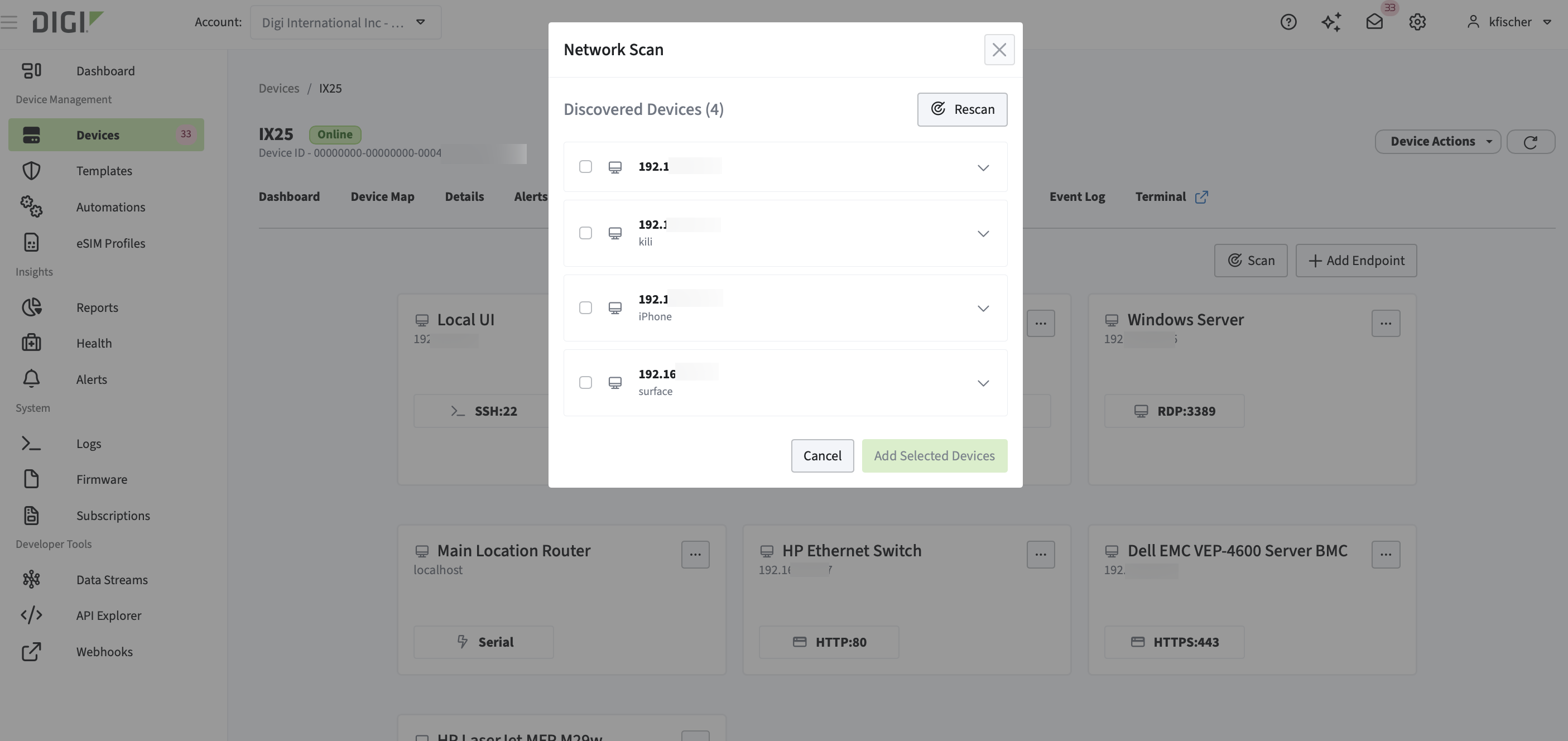
The network is scanned. Any devices that are on the same network and are reachable display.
Configure each discovered device and add it to Remote Reach
Once you have scanned the network for devices, you can add that reachable device to Remote Reach.
-
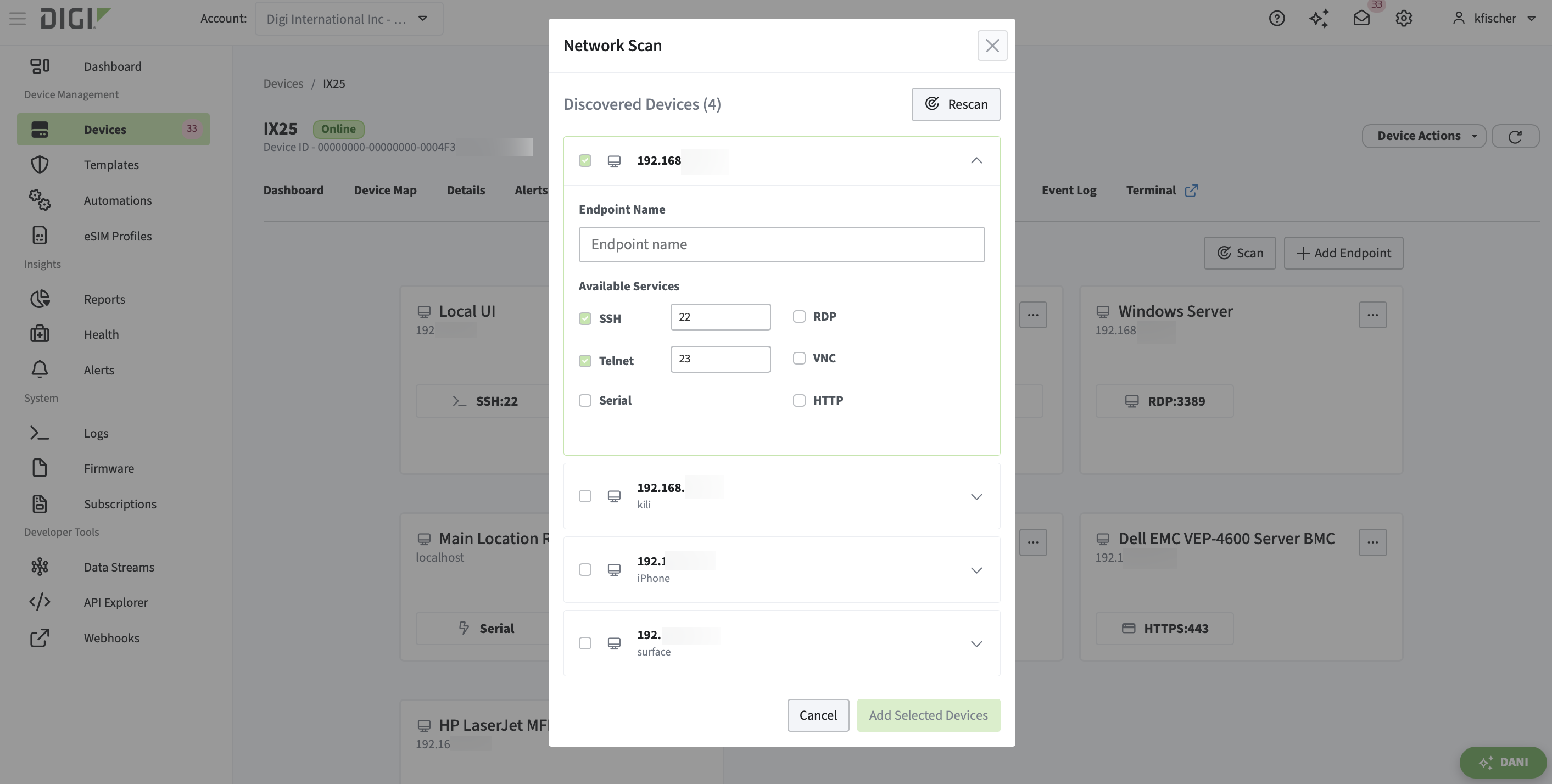
Click the device to expand the menu.
-
For Endpoint Name, type a name so that you understand what endpoint you will be connected to.
For example, a descriptive name would be Store 105 POS Server, which is more helpful than Server1.
-
For Available Services, select the checkbox for each service you want to use to access the device.
-
Repeat these steps to add an endpoint for each device you want to add to Remote Reach.
-
Click Add Selected Devices.
The new remote access devices display on the Remote Reach page.