Enable AI access on your account
To enable the use of DANI Digi Artifical Network Intelligience on your account:
-
In the top navigation menu, click > Account Settings > Accounts.
-
In the Accounts list, click the name of the account you want to work with.
-
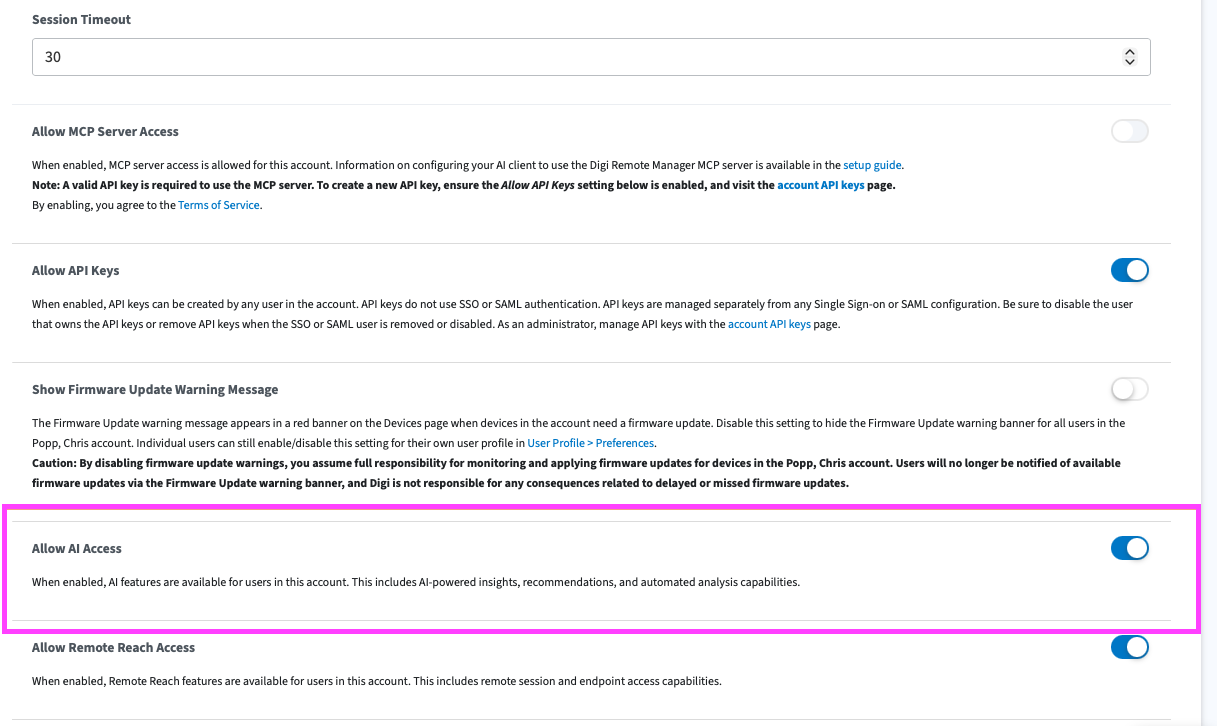
On the Accounts Details page, scroll and find the Allow AI Access setting.
-
Click the toggle to enable.
AI access is enabled for the account.