Enable a notification list
-
Log in to Digi Remote Manager.
-
In the main menu, click Alerts.
-
On the Alerts page that displays, click the Notification Lists tab.
-
From the list, in the Enabled column, click the toggle for the notification list you want to enable.
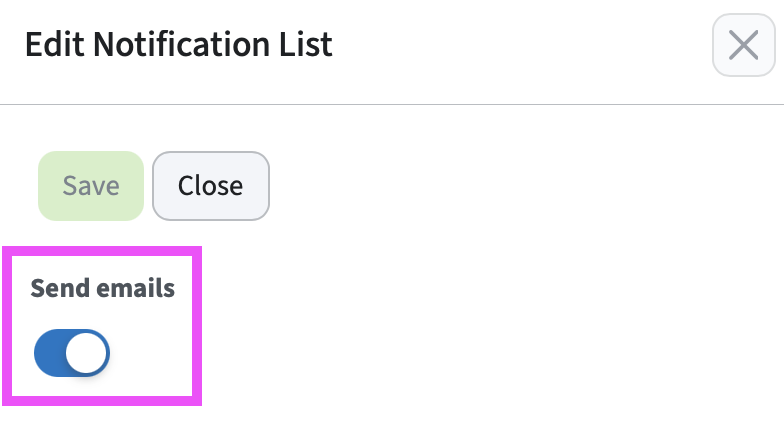
Tip Alternatively, by selecting the checkbox for a notification list and clicking Actions > Details, you can also enable this notification list from the Edit Notification List pane.
-
Click Actions > Details.
The Edit Notification List pane displays. You can view or change the information about the notification list.
-
For viewing: Click Close to close the pane without making changes.
For changes: Click Save to confirm the changes you made.
For changes, a message displays confirming that the changes were saved.