Export your renewal plan to CSV
To export your renewal plan to a CSV file:
-
Log in to Digi Remote Manager.
-
In the left navigation menu, click Subscriptions.
-
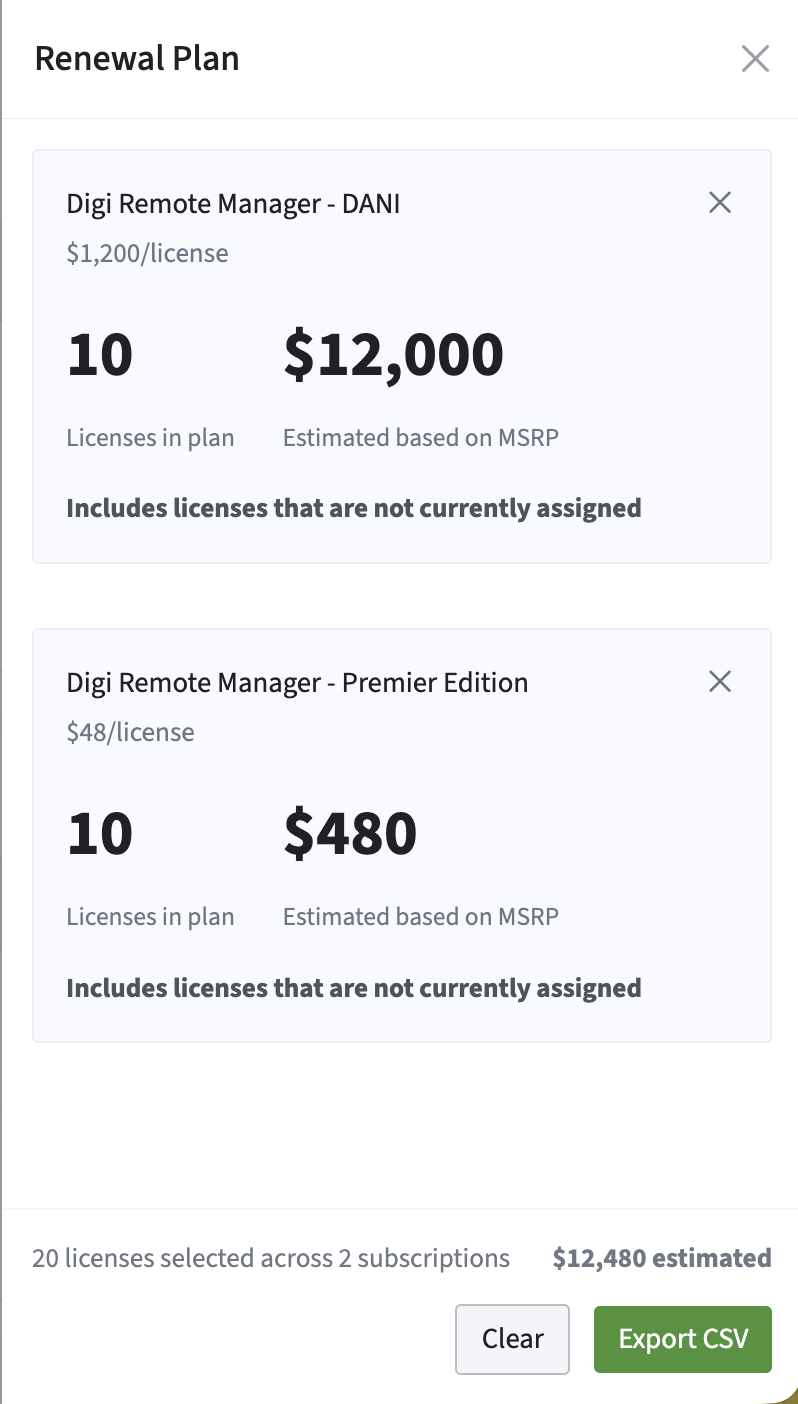
Click the Renewal Plan card to open the Renewal Plan panel.
-
Click Export CSV.
þ The CSV file is downloaded to your computer.