Create a new group
-
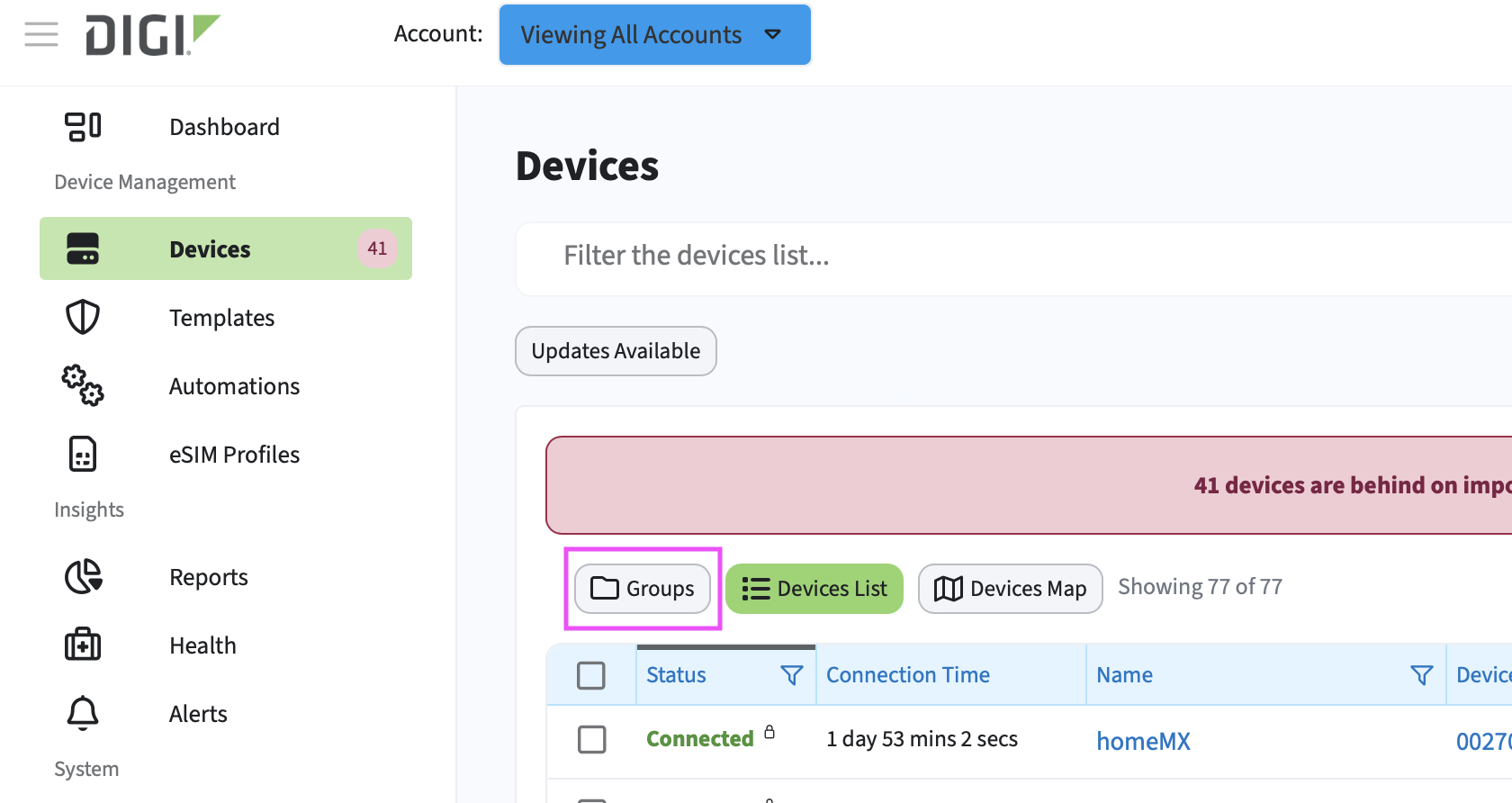 In the left navigation menu, click Devices.
 - Click the Groups button to open the groups pane.
- Click Add Group.
- Add a group name.
Tip To add devices to this group, you must first select the account to which the devices belong.
- Click Add.
The group is created and appears in the list. You can now add devices to the group.