Add a new group
-
 Log in to Digi Remote Manager.
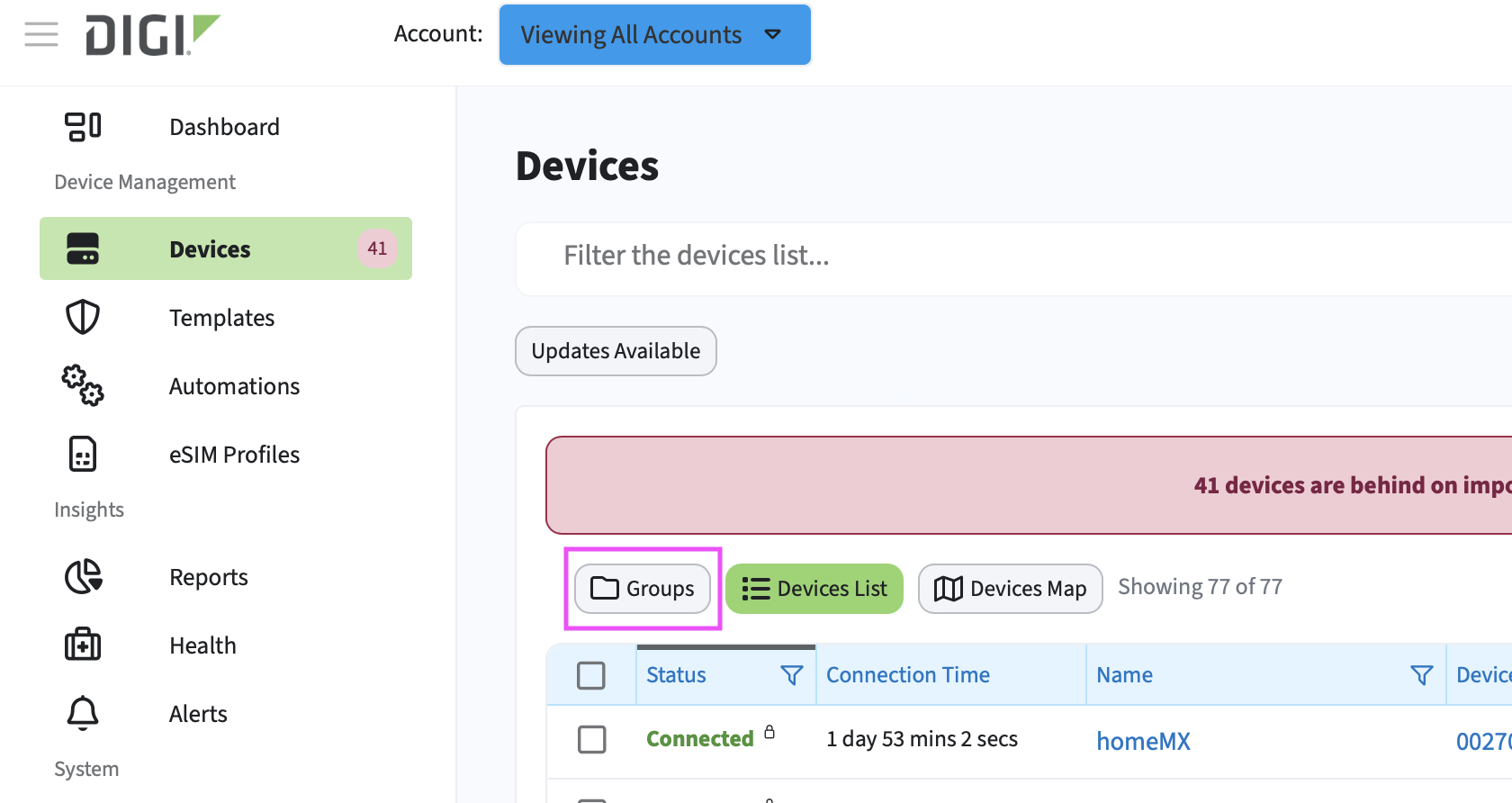
 - In the left navigation menu, click Devices.
- Click the Groups button to open the groups pane.
- Click Add Group.
- Add a group name.
- To add devices to this group, you must first select the account to which the devices belong.
- Click Add.
The group is created and appears in the list. you can now add devices to the group.