Activate your Digi Remote Manager account via the email link
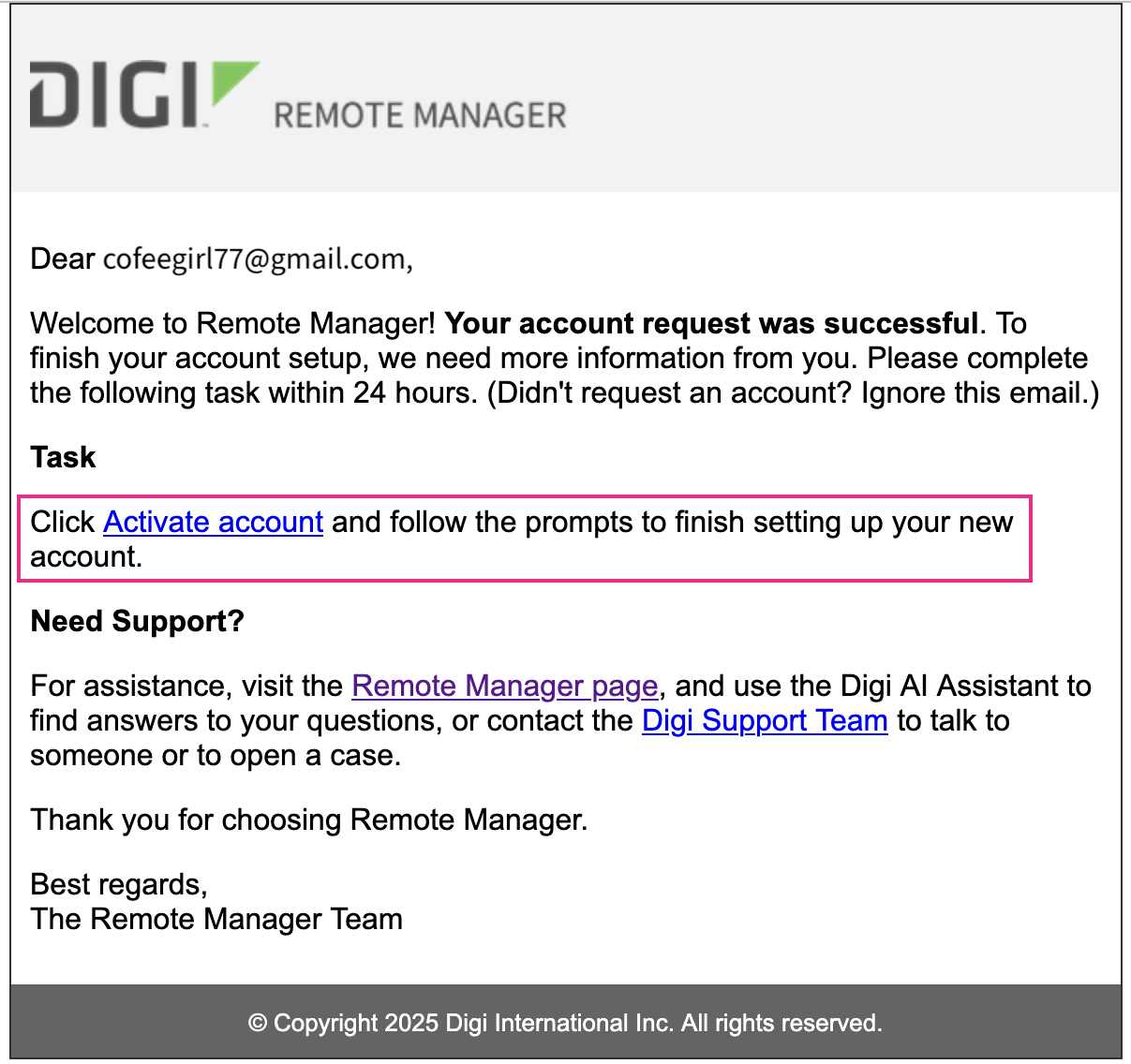
Once your Digi Remote Manager account has been created, you need to activate it via the email you received.
-
In the email, click Activate account.
-
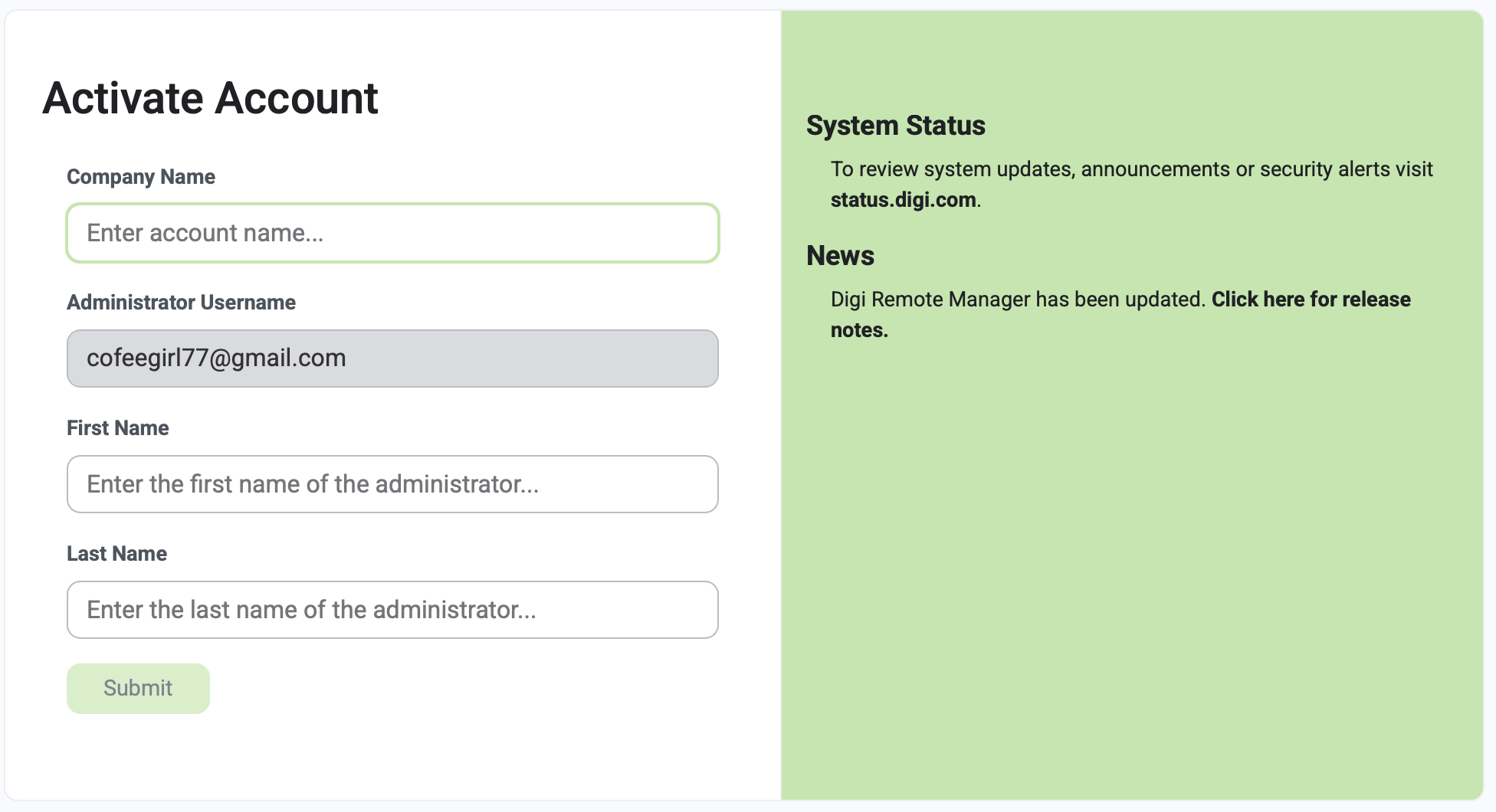
In the Activate Account page that displays, type the information in the fields.
-
Click Submit.
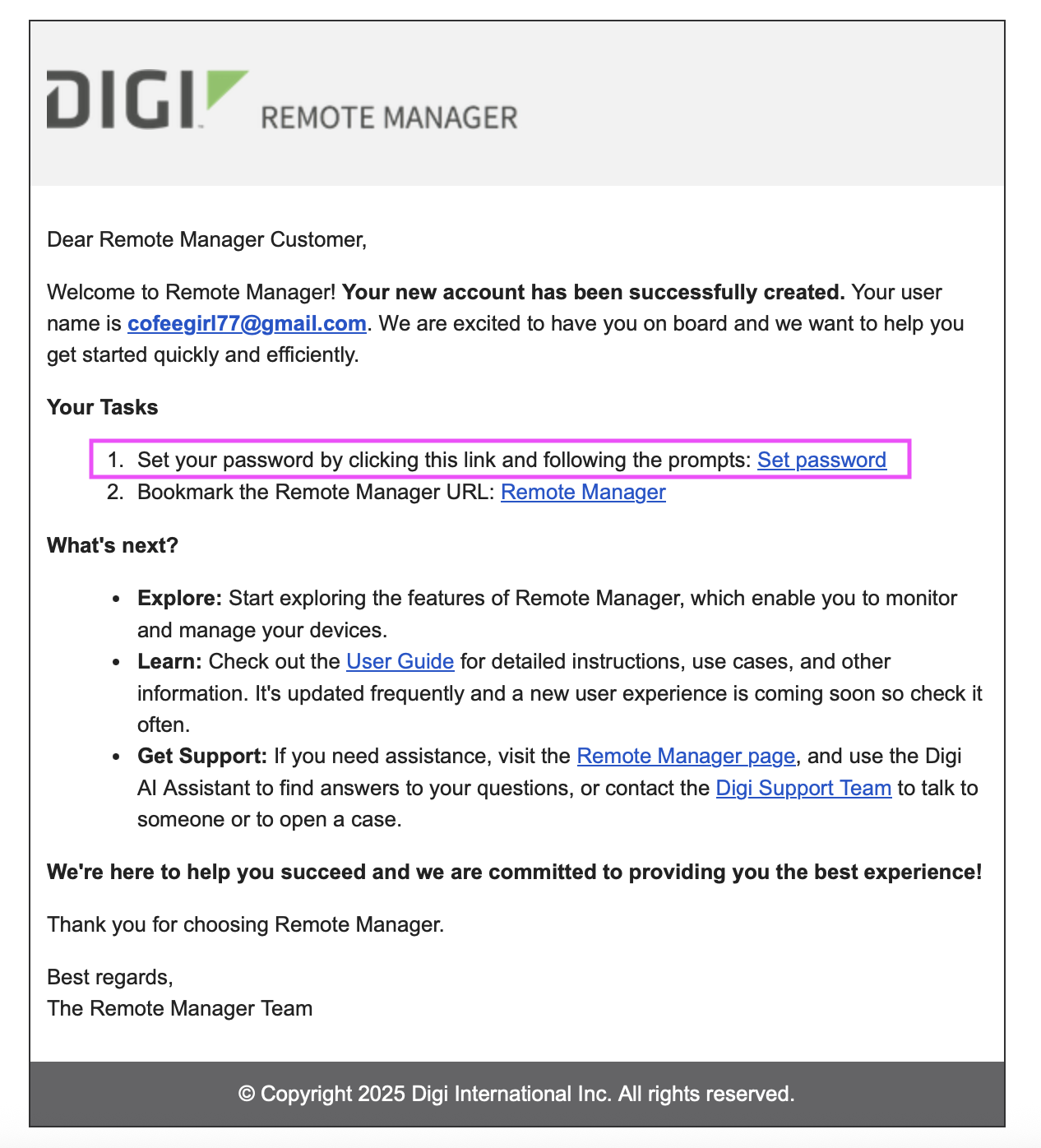
You will receive a second email.
-
In the Your Tasks section of the email, click the Set Password link and follow the prompts.
Your new account is created. What's next? Register your new device(s).