Log in to Digi Remote Manager
Permissions: Administrator
To log in to Digi Remote Manager from a Web browser to monitor, configure, and manage your Digi devices:
-
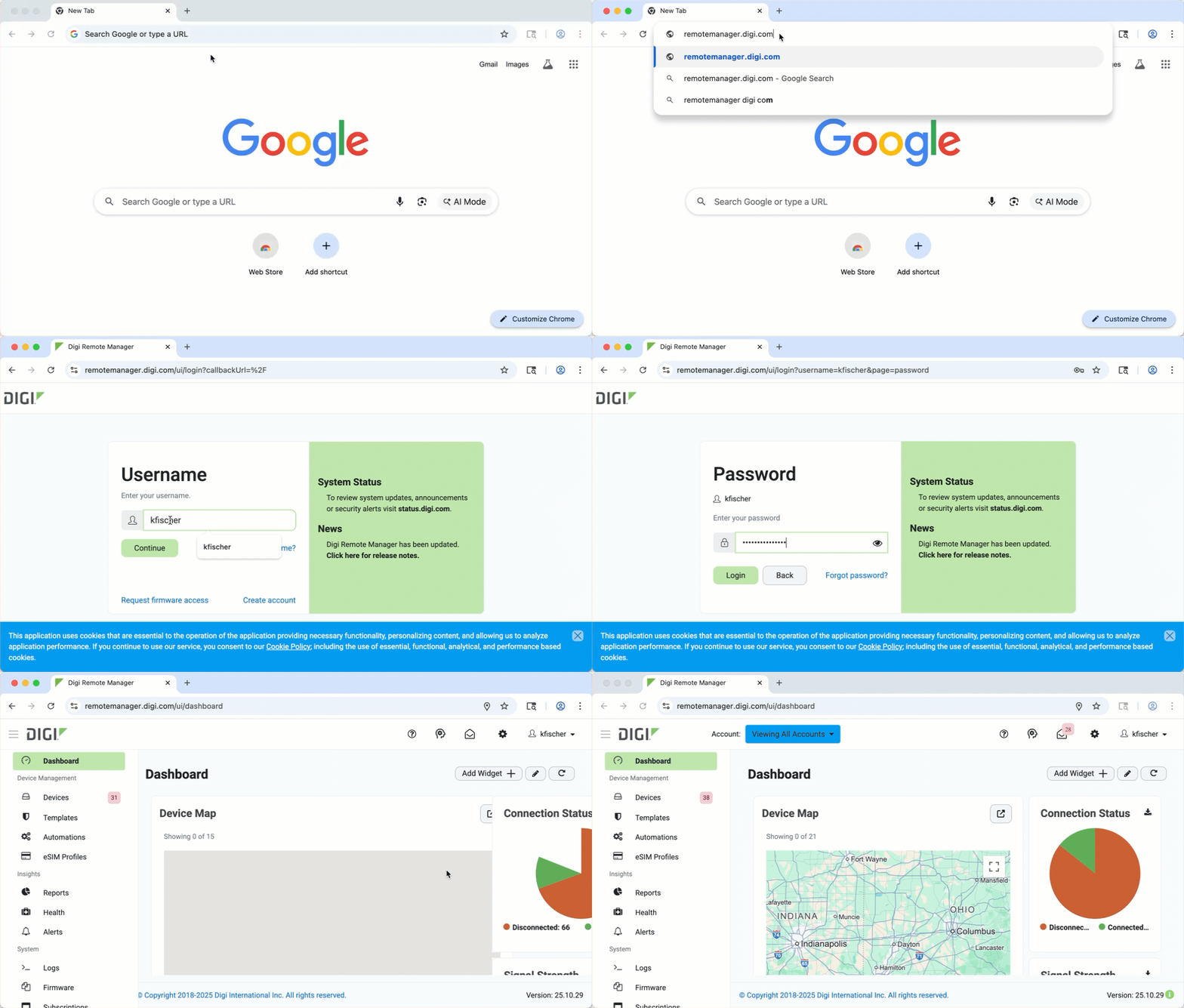 In a Web browser, go to remotemanager.digi.com.
 -
On the login page, type your username.
-
Click Continue.
-
Type your password.
-
Click Login.
The Digi Remote Manager application opens and the fleet dashboard displays.


